Add an Image

Click on theimage icon and then onAdd file or drag and dropan image in the dedicated area.
Click Insertto add the picture.
Note: If you experience problems with uploading an image, try to change the filename to something simple.
Add a Video
To insert a video to your idea, click on thecamera icon.

Direct video upload
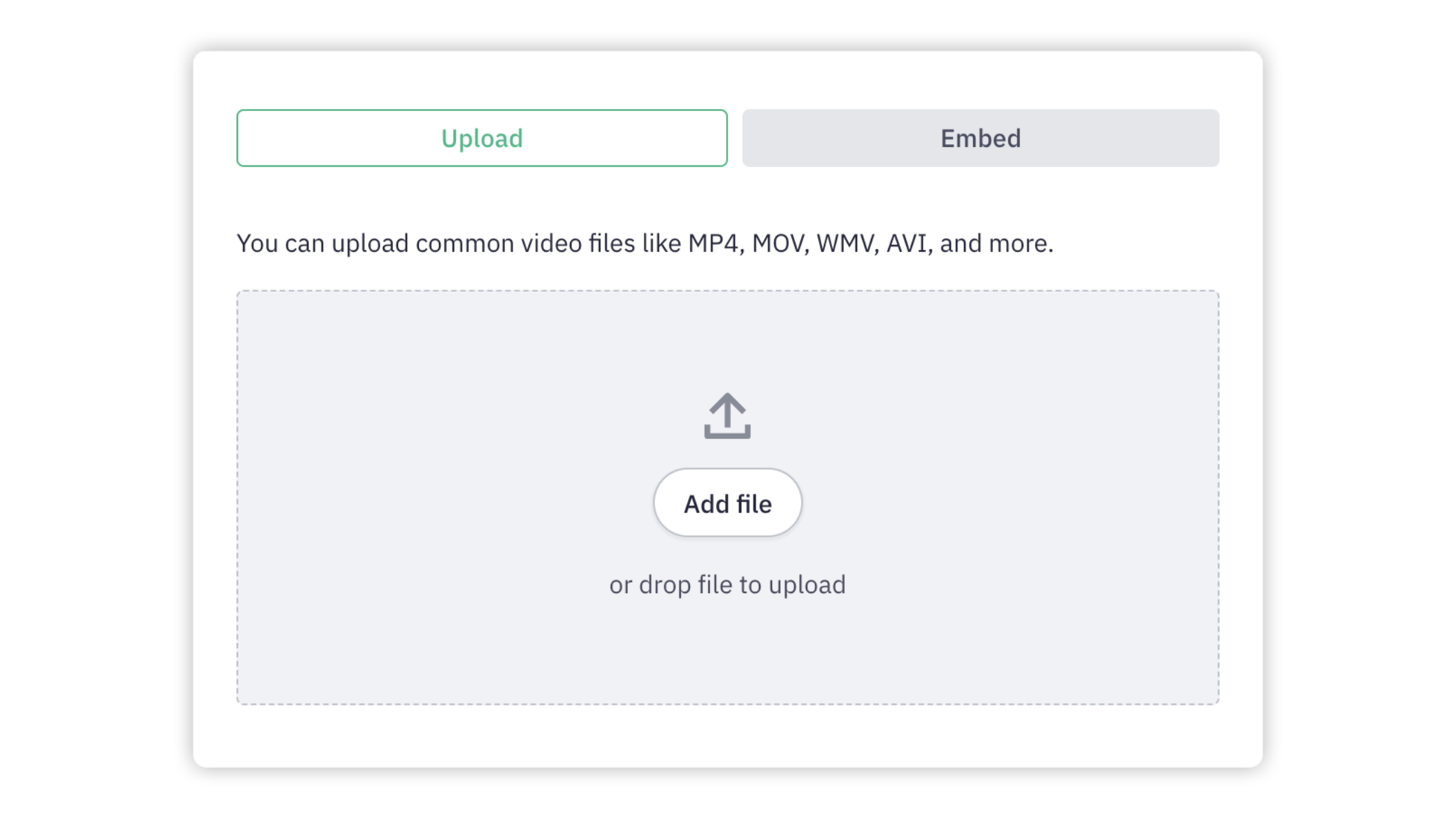
If the option is enabled on your platform, you can share a video from your own computer by simply dropping your file in the dedicated area or by clicking Add file.
Embed videos
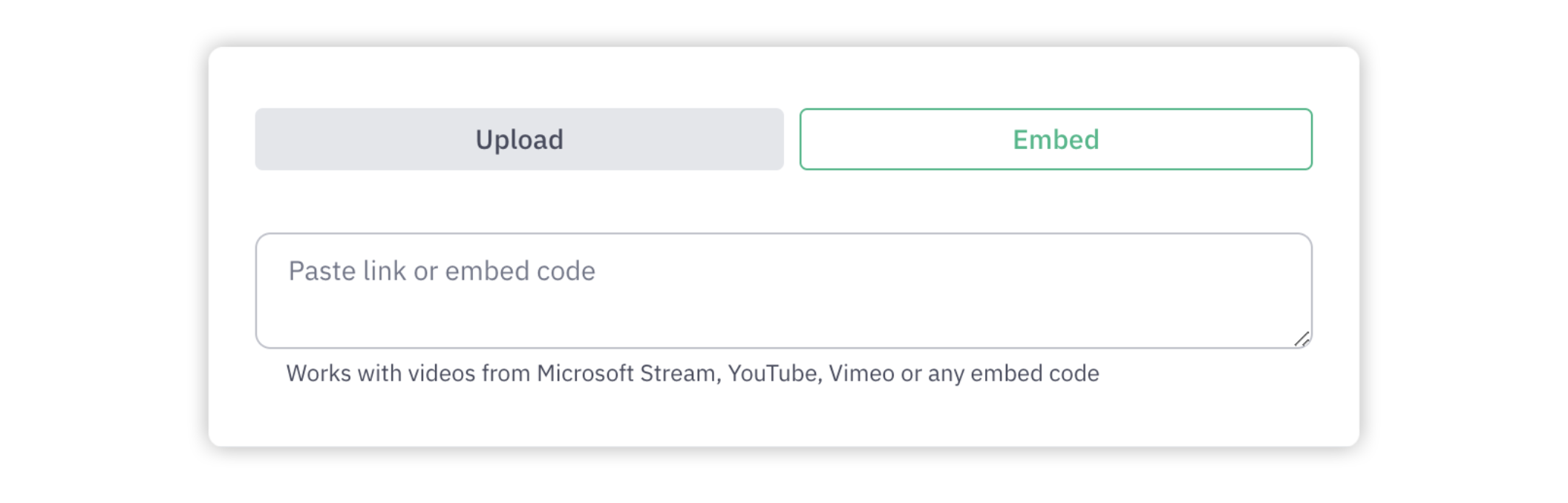
If the direct video upload option is not enabled, you can copy and paste a link from Youtube or a video embed code under the Embed tab.
We hope this article has been useful for you.
If you need more help, feel free to reach us: