Big companies are in a constant state of change. New people join, some move internally, and others say good-bye.
As platform admin, it is your job to keep the user list on the platform up-to-date to ensure the quality and accuracy of your data.
Efficiently manage all users on your platform by following these simple steps.
Note: The following tips only work for platforms that do not use SSO.
Delete users
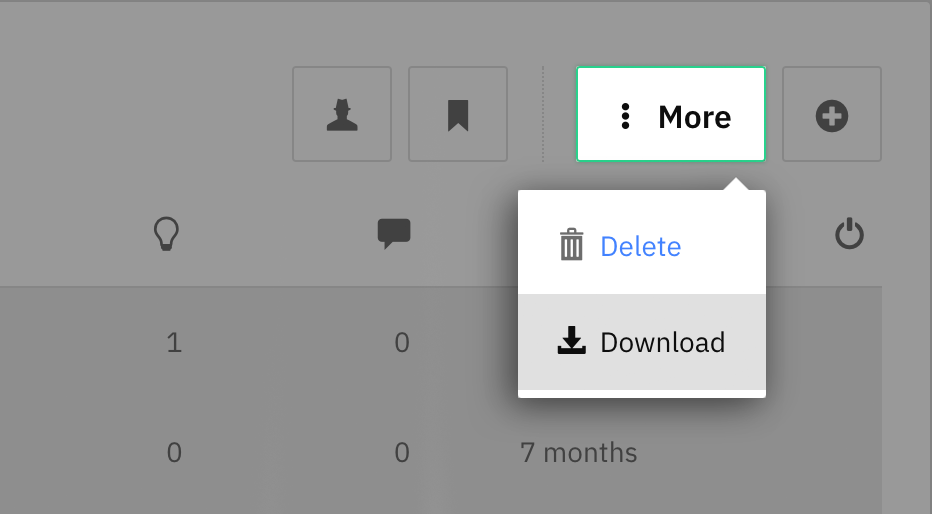
Step 1 - Download the user list
Click on the cogwheel in the upper right corner > choose People > select all users > click on More > Download.
Step 2 - Prepare an Excel table
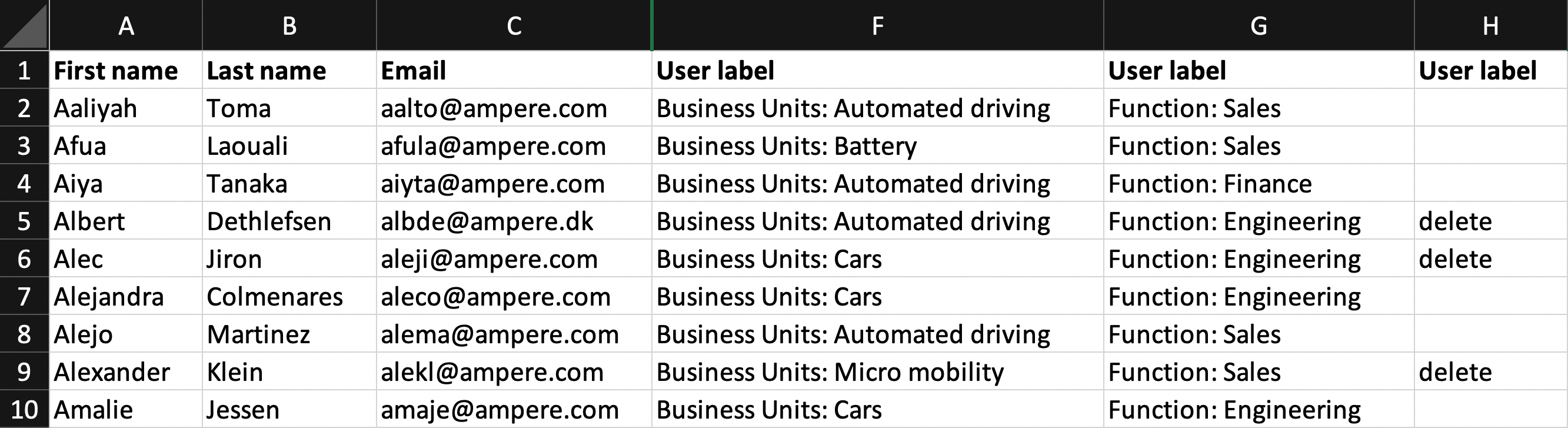
Open the user list in excel. Add a new column with a user label that indicates which users have to be deleted like e.g. "delete". Add the label to all users that have to be deleted.
Step 3 - Upload Excel table
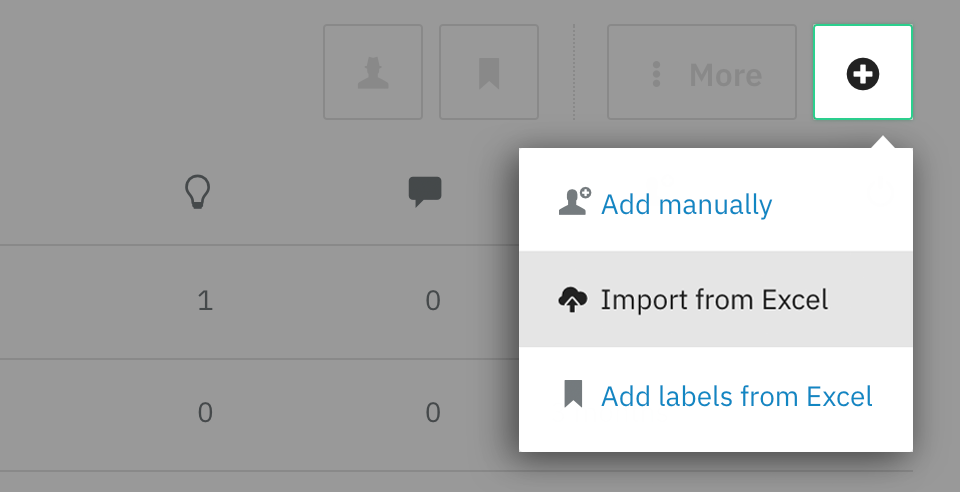
Click on the cogwheel in the upper right corner > choose People.
Click on the *Plus icon >*select Import from Excel > drag and drop your Excel file in the dedicated area. Match the columns > click on Next in the left corner > click Import.
Step 4 - Delete users
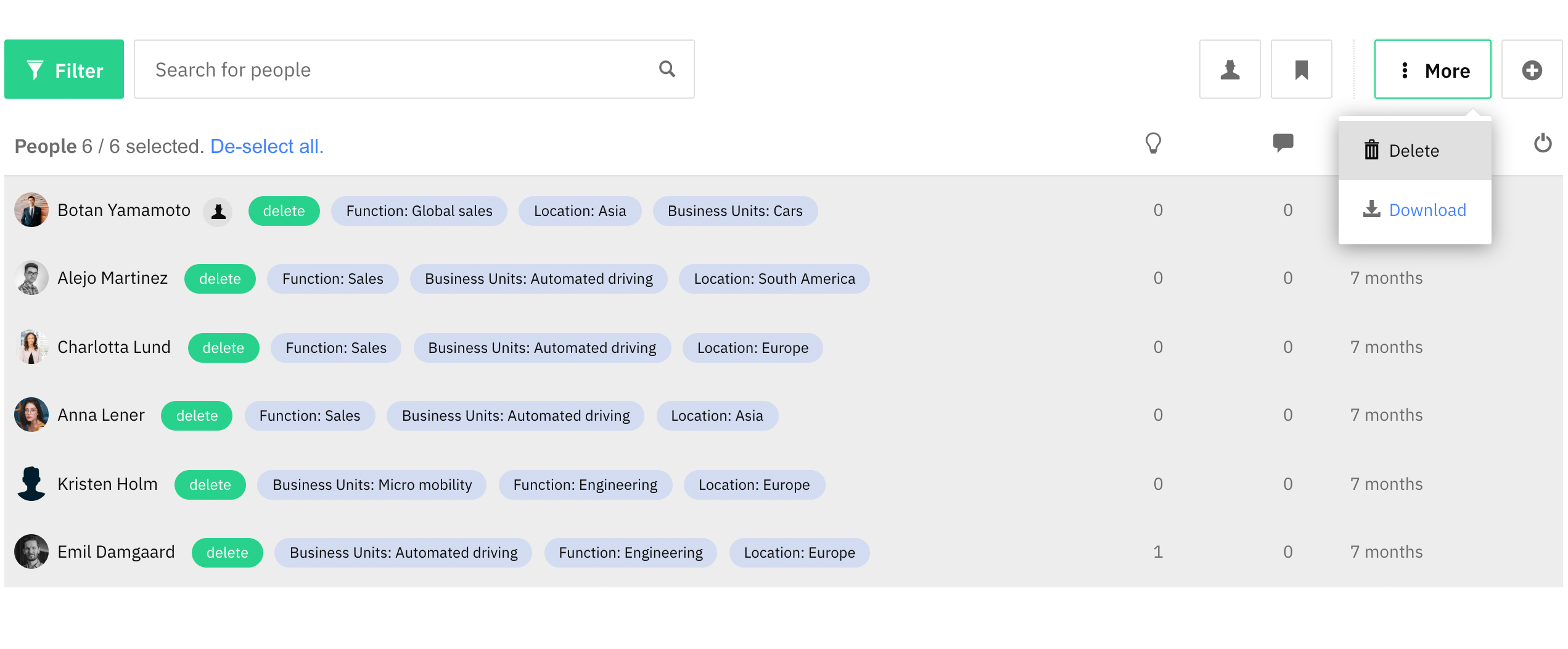
Go back to People and filter the list by the user label "delete". Select all users > click on More and then Delete.
Update user labels & add new users
Step 1 - Download the user list
Click on the cogwheel in the upper right corner > choose People > select all users > click on More > Download.
Step 2 - Prepare an Excel table
Open the user list in excel, update user labels that are outdated and add new users.
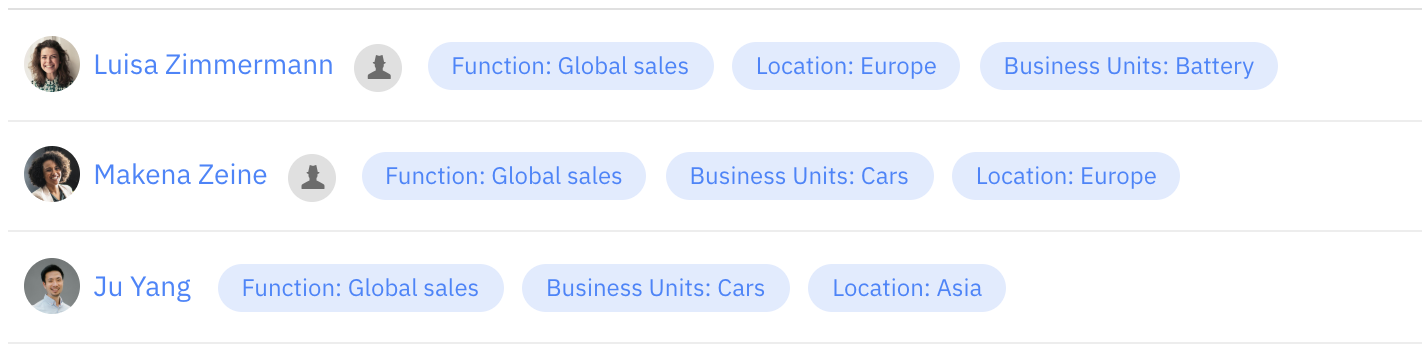
Tip: We recommend to use prefixes like e.g. Function, Location, etc. in front of your user labels for improved structure and workflow in excel.
Step 3 - Delete user labels
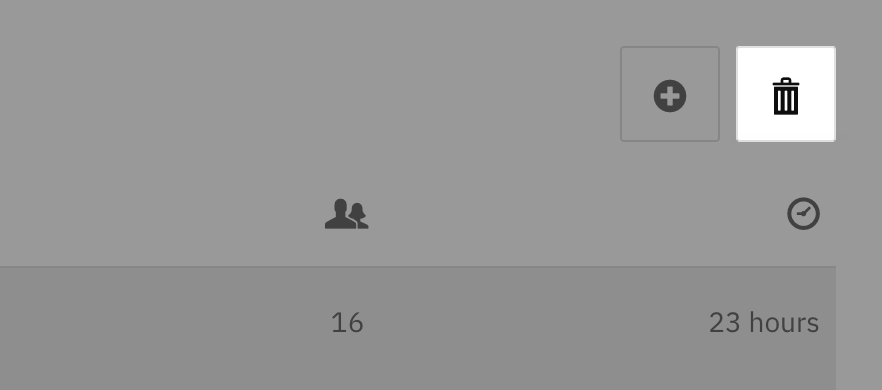
Go back to the platform and click on the cogwheel in the upper right corner > choose User labels > Select all user labels > click on the trashcan-icon.
Step 4 - Upload Excel table
Click on the cogwheel in the upper right corner > choose People.
Click on the *Plus icon >*select Import from Excel > drag and drop your Excel file in the dedicated area. Match the columns > click on Next in the left corner > click Import.
Now the user labels should be updated and news users should be added.
We hope this article has been useful for you.
**If you need more help,**feel free to reach us: