- Click on the Submit button. Choose the channel in which you want to create an idea and click on the pen icon.
- Fill in the idea form and publish your idea by clicking Submit.
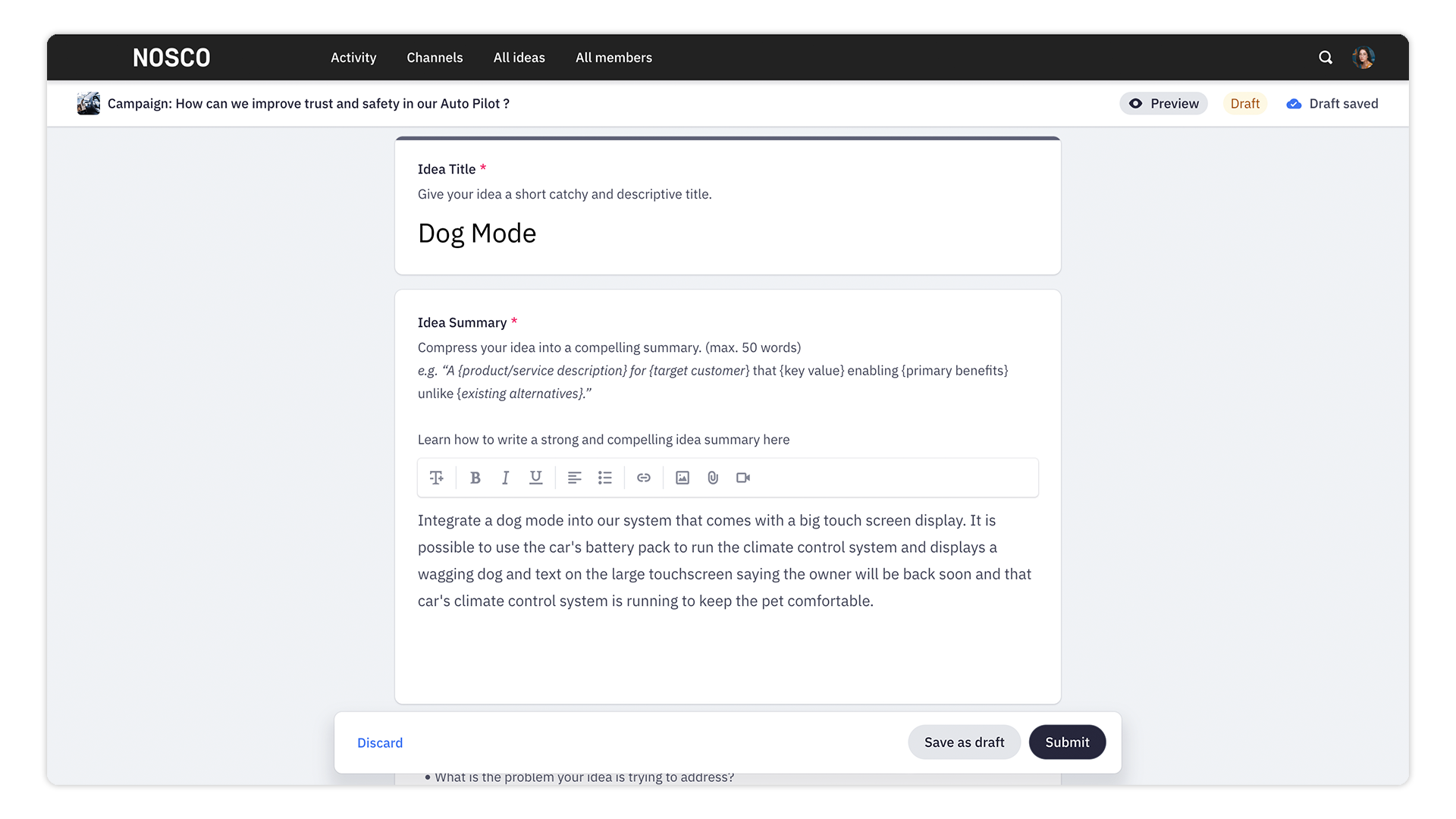
Note: You can also save your idea for later by clicking "Save as draft".
We hope this article has been useful for you.
**If you need more help,**feel free to reach us: