- Click on Admin in the upper right corner and then on Platform settingsin the dropdown menu.
- Click on Colors and Logo and go to "Login Background Image".
- You have several options:
- None. Display a colour background instead of an image.
- Custom URL. Display a custom image. (The image must be hosted on URL and can't be uploaded from your computer)
- Random image theme. Display random background images based on curated themes from Unsplash. (Nosco controls the images that are shown)
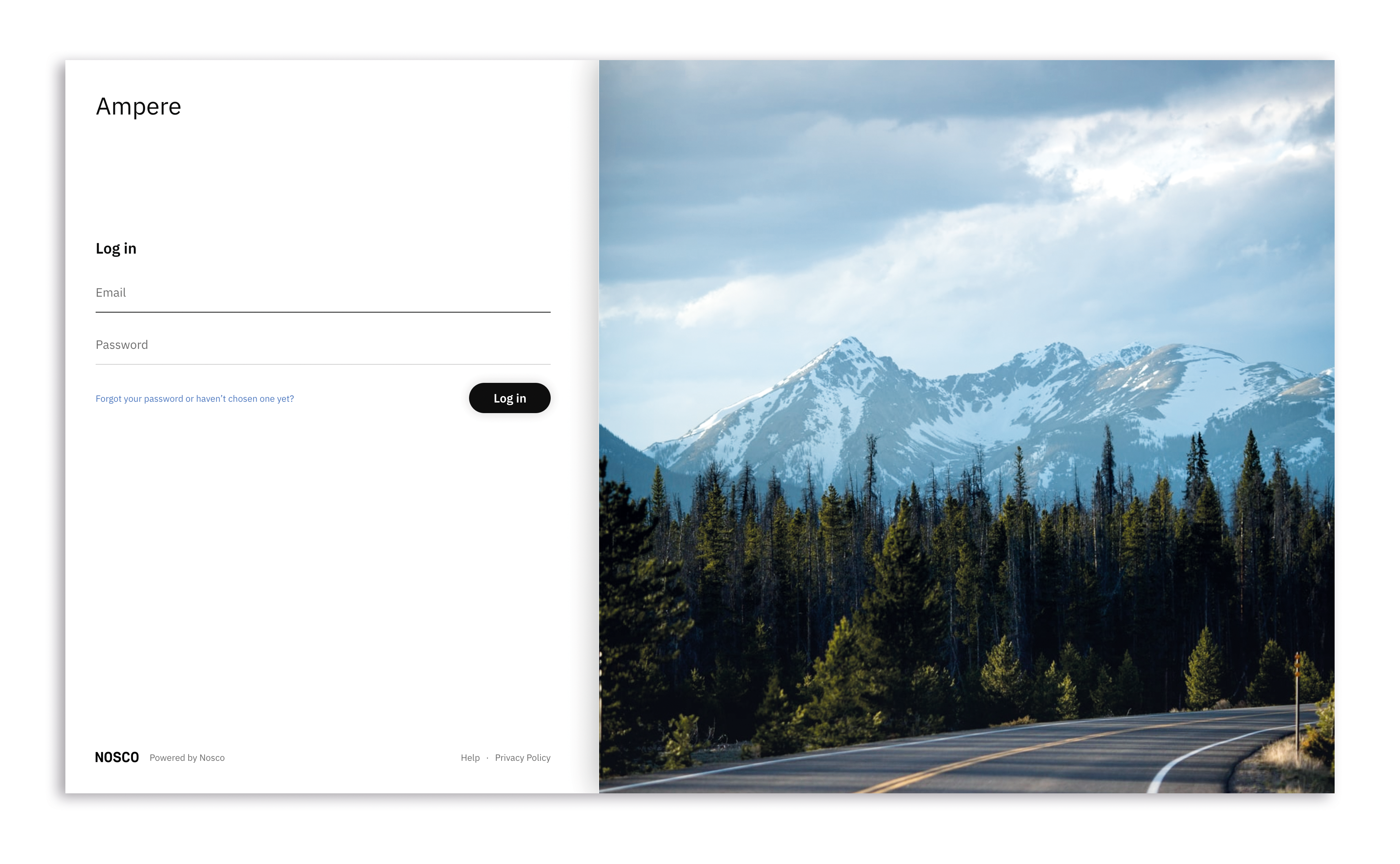
Tip: When using a custom image, it is recommended to use a square picture (eg 640 x 640px) with an aspect ratio 1:1 in jpeg or png format.
We hope this article has been useful for you.
**If you need more help,**feel free to reach us: