Sometimes when you are working on a platform with Public sign-up enabled, you may want to hide user information and their activity on the platform from each other.
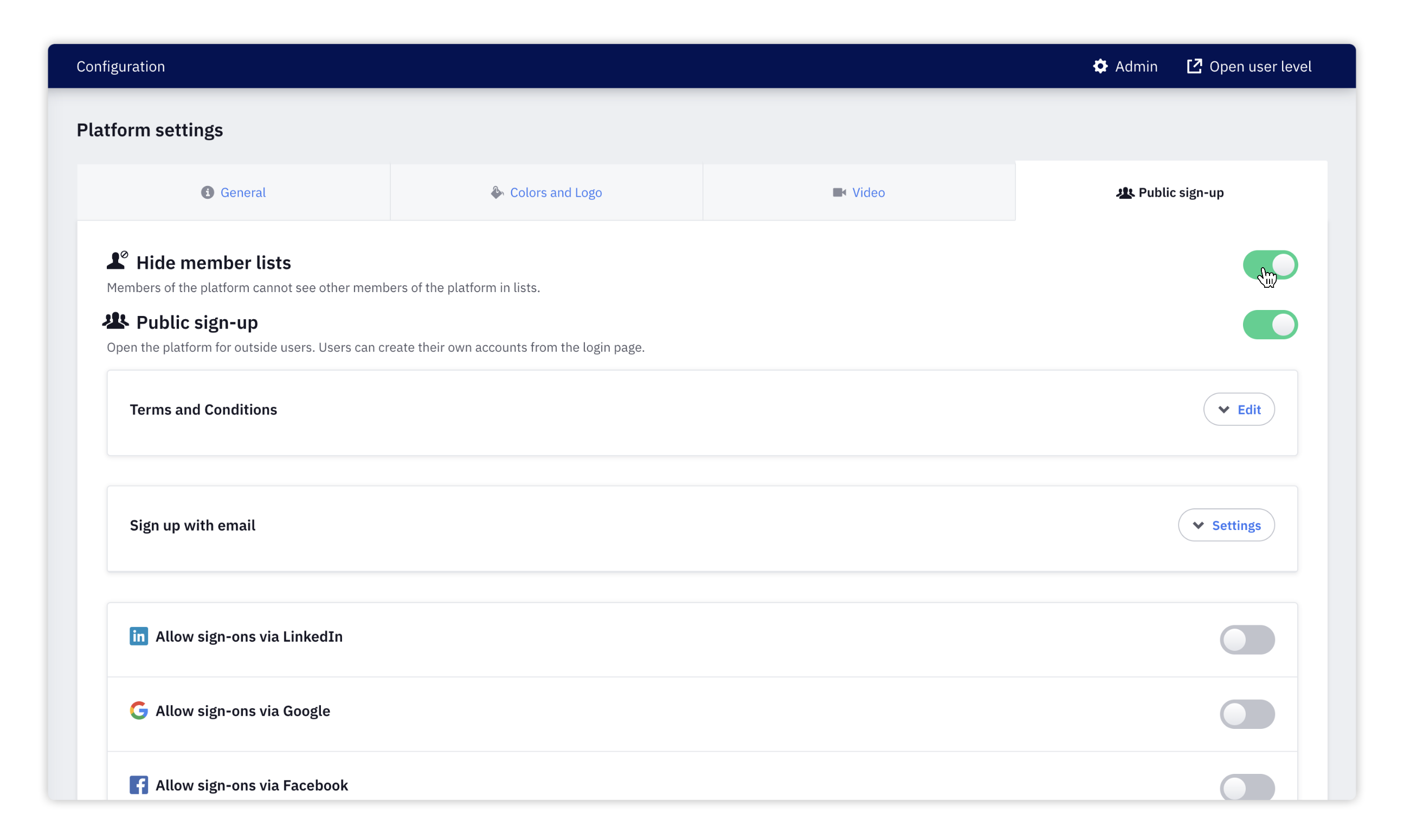
- To enable the hide users function, click on Admin and then on Platform settings.
- Now click on Public sign-up.
Note: Hide users is only visible when Public sign-up is enabled on your platform. Find out how to enable Public-sign-up here.
- T****urn on the switch next to Hide member list.
- Click on Save at the bottom of the page to save your changes.
We hope this article has been useful for you.
**If you need more help,**feel free to reach us: