From the Nosco platform, you can easily share or export your idea.
Share your idea
- Open the idea, you want to share by clicking on it.
- Then click on Share in the bottom menu.
- From here you can either:
- Send your idea as an mail by clicking Send as email.
- Copy a link to your idea by clicking Copy link.
Export your idea
- Open the idea, you want to export by clicking on it.
- Then click on ... in the upper right corner of the idea.
- From here you can either:
- Export the entire idea as a PDF by clicking Export PDF.
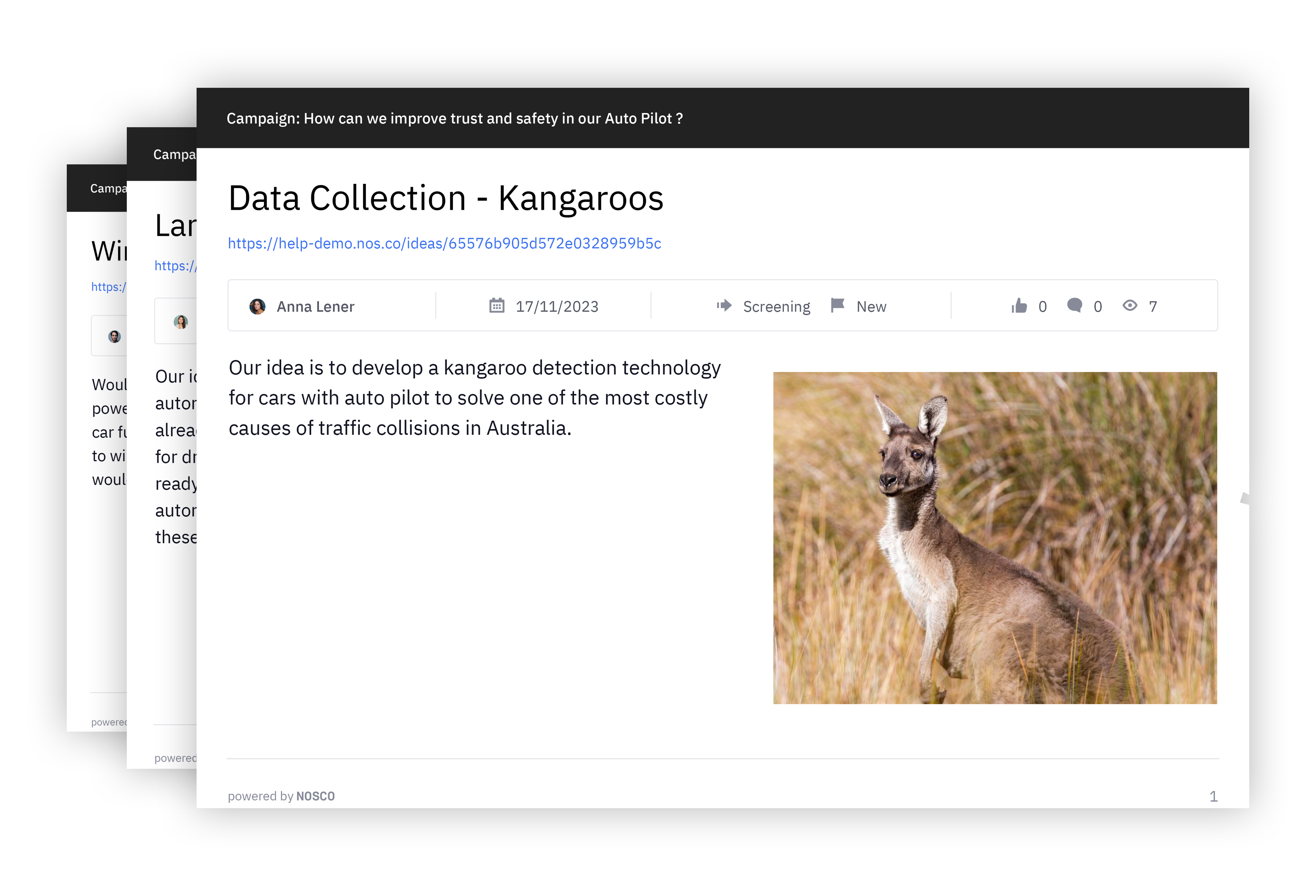
- Export a one-page summary by clicking Export One-Pager PDF.
The one-pager includes the most important information about your idea such as
- Idea author
- Submission date
- Current stage and status of the idea
- Number of likes, comments and views
- The first image
- The first 200 characters of your idea description
- etc.
We hope this article has been useful for you.
If you need more help, feel free to reach us: